New: Share invoices instantly with WhatsApp and shareable links
2026-09-06
Getting invoices to your customers just got easier. You can now share documents directly through WhatsApp or create a link that can be sent through any messaging platform.
How it Works
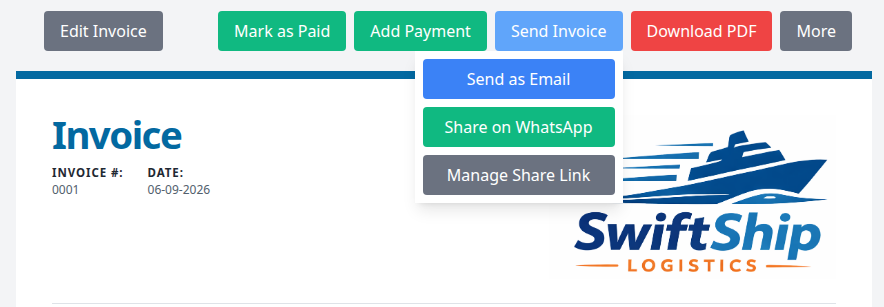
Open the invoice you want to share and select Send Invoice.
- Choose Share on WhatsApp to send the invoice through WhatsApp.
- Choose Manage Share Link to copy a link for use in email, SMS, or another messaging app.
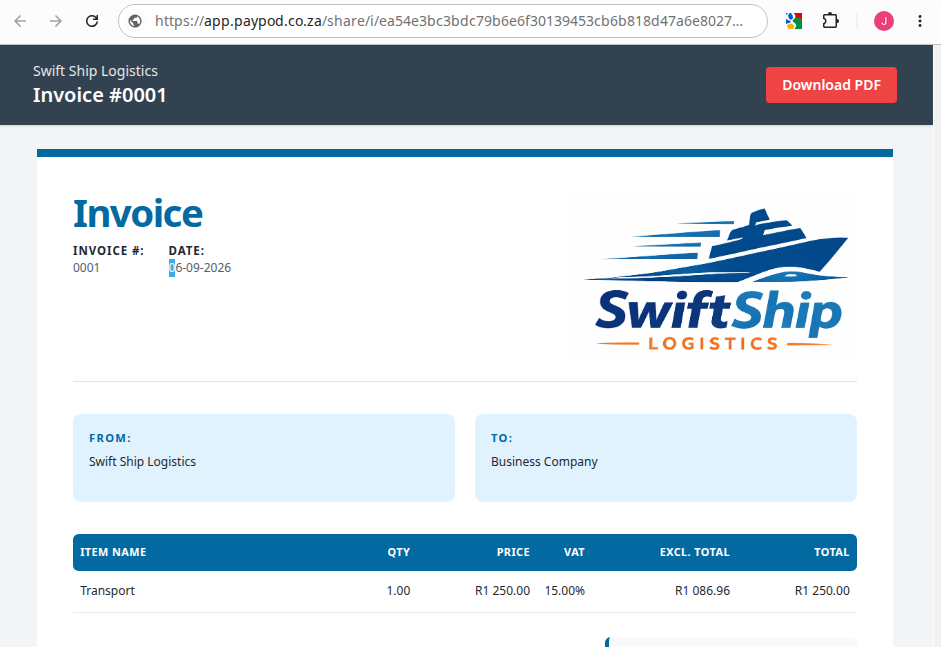
- Your customer can open the link, view the invoice, and download a PDF - no payPod login required.
Stay in control of your links
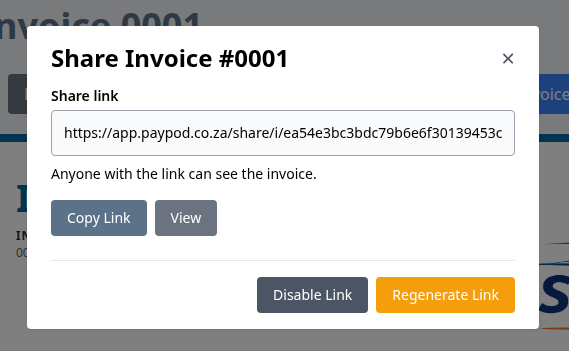
The Manage Share Link window lets you copy or preview the link at any time. You can also disable it when it is no longer needed or generate a new link to replace the old one.
A simple experience for your customers
Shared documents open on a clean, branded page where customers can review the details and download a PDF copy.
That’s it - fewer attachments, faster sharing, and a more convenient experience for you and your customers. Try it the next time you send an invoice from payPod.